2026-10-21 · 7 min read · By the Kluvan team
A small business website that turns visits into leads
What a small business website really needs, how to build a landing page with a form that converts, and how to make sure no enquiry goes unanswered.
Many small business websites look fine and do nothing. They have a home page, an about page and a contact page with an e-mail address, and the enquiries that do arrive land in a mailbox someone checks on Fridays. Meanwhile the business spends money on ads that send people to that site.
A website for a service or trading business has one main job: turn a visitor who is interested into a conversation with your team. Everything else, the design, the photos, the blog, supports that job. This guide covers the few pages you need, how to build a landing page with a form that people actually send, and what should happen in the minutes after they press the button.
The pages you actually need
For most small organisations, five pages are enough:
- Home: who you are, who you serve, and the one thing you want visitors to do next, in the first screen.
- Services or products: what you sell, with enough detail to qualify the enquiry. Show prices if your market expects them; if every job is quoted, say so and offer a quote request.
- About: the people, the experience, the area you cover. Visitors want to know you are real.
- Contact: a form, a phone number, your address or service area, and opening hours.
- Landing pages: one page per campaign or offer, outside the main menu, built for people arriving from an ad or a message.
Resist adding more pages until these five work. A site with twenty thin pages converts worse than one with five clear ones.
Write for the visitor's question, not your history
A visitor arrives with a question: "Can these people fix my problem, here, soon, at a fair price?" The first lines of each page should answer it. Compare "Founded in 2009, we are a leading provider of integrated solutions" with "Air-conditioning repair and maintenance for offices and shops, same-week visits." The second tells the visitor in four seconds whether they are in the right place.
If your customers speak more than one language, publish the site in each of them, with the words written for that audience rather than machine-translated at the last minute. For Arabic and Urdu, the whole layout should run right to left, not just the text. Our post on running a team that speaks four languages covers the same thinking for your staff.
Build a landing page that converts
A landing page is one page for one offer, with one action. A good one has:
- A headline that repeats the promise of the ad the visitor clicked. If the ad said "Free maintenance check for new contracts", the page should say the same.
- Three or four short reasons to act now, not a wall of text.
- One form, close to the top and again at the bottom, with as few fields as possible: name, phone or e-mail, and a message. Every extra field costs you enquiries.
- A button that says what happens: "Request my quote" rather than "Submit".
- A thank-you message that tells people what happens next and when.
Add campaign tags to the address you use in each ad or message, for example `utm_source` and `utm_campaign`, so every enquiry carries where it came from. After a month you will know which campaign brought real leads and which only brought clicks.
Consent and spam, done properly
Ask for consent where the law and your own standards require it. A required box that links to your privacy notice covers the enquiry itself; a separate, optional box for news and offers lets people choose whether to hear from you later. Keep the two apart, record which one each person ticked, and make the wording match the rules where you work.
Spam forms are a fact of life. A hidden trap field that only robots fill in, plus a limit on how many forms one address can send per hour, stops most of it without making real visitors solve puzzles.
What happens after someone presses send
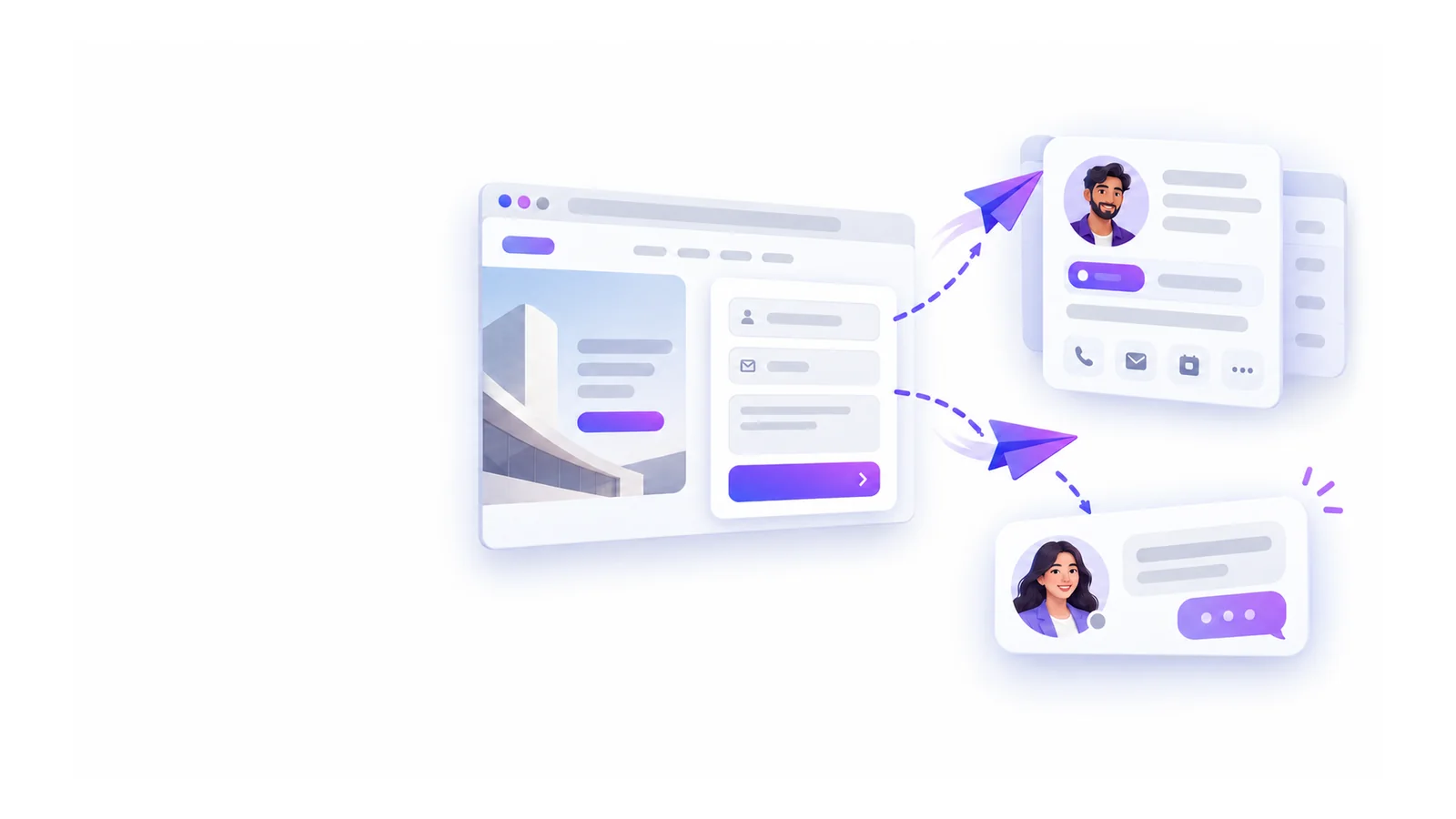
This is where most websites fail. The form works, the e-mail arrives, and then it waits. A lead answered within the hour is far more likely to become a customer than one answered next week. Set up the path from form to answer before you launch:
- Every enquiry becomes a lead in your pipeline, linked to the customer if they already exist, so sales can follow it to a quote.
- Every enquiry also opens a conversation in your shared inbox, so someone answers it, and the answer goes back to the visitor by e-mail.
- Duplicates are merged: a double click or a resend within a few minutes should not create two leads.
- Someone owns the queue every working day, with a target such as "answered within two working hours".
Then measure: enquiries per week, by source, and how many became quotes. That is the only website report most small businesses need.
Search engines and sharing
Give each page a clear title and description in each language. They are what people see in search results and in link previews on messaging apps. Keep titles short and specific: "Office air-conditioning maintenance in Dubai | Your Company" works better than "Home". If you are still building, tell search engines not to list the site until it is ready.
Publishing without fear
Changes to a website should be safe to make. Edit a draft, preview it as visitors will see it, then publish everything in one step. If you notice a mistake after publishing, you should be able to go back to the previous version in one click while you fix it.
How to do it in Kluvan
Sites builds your organisation's website and landing pages, in your languages, with forms that become leads and conversations. Kluvan runs online, so there is no hosting, plugin or theme to install or update.
- Start from a template. Choose Service business, the catalogue template with your products, Consultant, or One landing page, tick your languages and get a draft to edit. Arabic and Urdu pages run right to left. A site has up to 20 pages and 30 blocks a page. See create your website from a template.
- Build a landing page with a form. Add a page of the kind Landing page, a banner that jumps to the form, and a Contact form or Request a quote block with its own thank-you message. See build a landing page with a form.
- Leads and conversations. With CRM and the Inbox on, each message becomes one lead and one Inbox conversation, with the campaign tags and the site the visitor came from; a resend within 30 minutes makes no second lead. Without them, messages are kept under Form submissions. See follow up form submissions.
- Consent and spam. The consent box is required by default, an optional box records e-mail consent for news and offers in CRM, and a hidden trap field and hourly limits keep robots out.
- Chat and booking. Add the Inbox web chat to every page, a booking button for Bookings, a quote request, and products from your catalogue with or without prices.
- Search engine basics. A title and description per page and language, and a choice of whether search engines may list the site. See set titles and descriptions for search engines.
- Publish and roll back. Publish the whole draft in one step and go back to the previous version if needed. See publish your site and roll back.
Your site lives on your organisation's public address. Using your own domain, proved with a TXT record at your domain provider, is in early access. Blocks use your catalogue's product pictures and your logo; uploading other pictures into a block is not possible yet. Sites is sold on its own and comes with Kluvan One; see pricing.
Once enquiries arrive, the customer behind each one deserves a single record: our post on one customer, one record explains why. If you run workshops or open days, add a registration page as described in event ticketing and QR check-in.
Build one landing page for your next campaign, tag the link, and count the leads after a month.